Resources
Guides, tutorials, and best practices for website tracking, from the team behind TrackingCoder.
📘 Documentation: every feature, indexed.Open →
Looking for how a specific TC feature works (scanner, wizard, monitoring, goals, branded reports)? The Docs section has feature-by-feature references with FAQs and troubleshooting per feature.
Free tools
All free tools →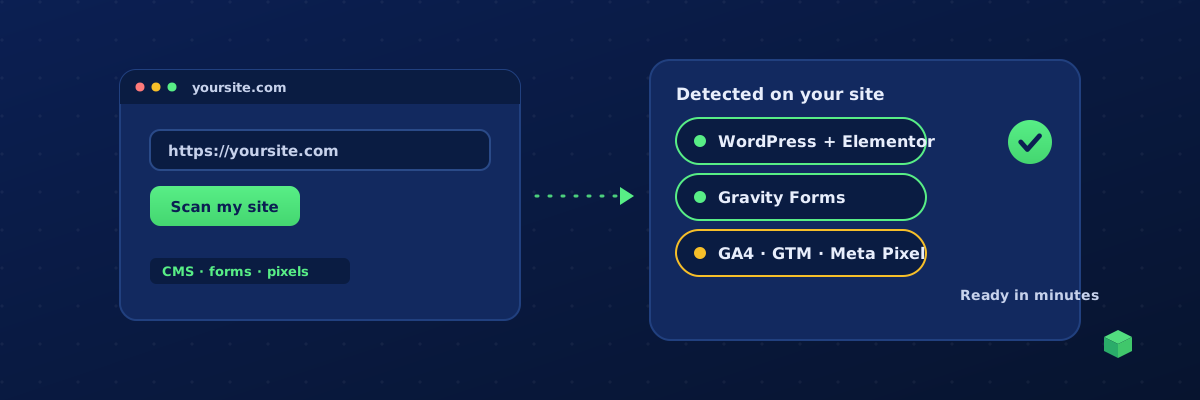
Is There a Tool to Set Up Website Tracking Easily?
Yes. Here is what "easy" should actually mean, the four ways people set up tracking today, and how the tools compare on time, skill and what breaks later.
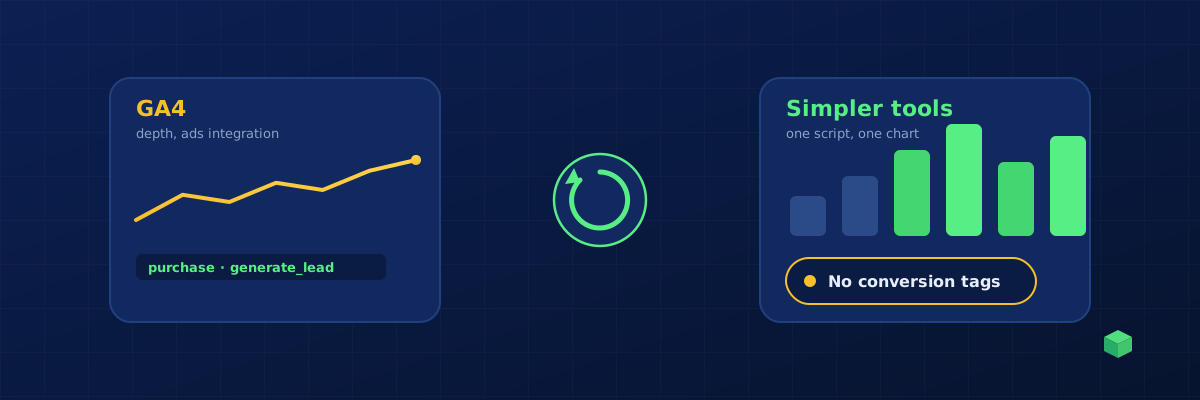
Is There an Easier Alternative to Google Analytics?
Yes, several, and some are excellent. But if you run ads, the hard part is not the dashboard. It is the event tracking, and switching tools does not fix that. Here is how to choose.
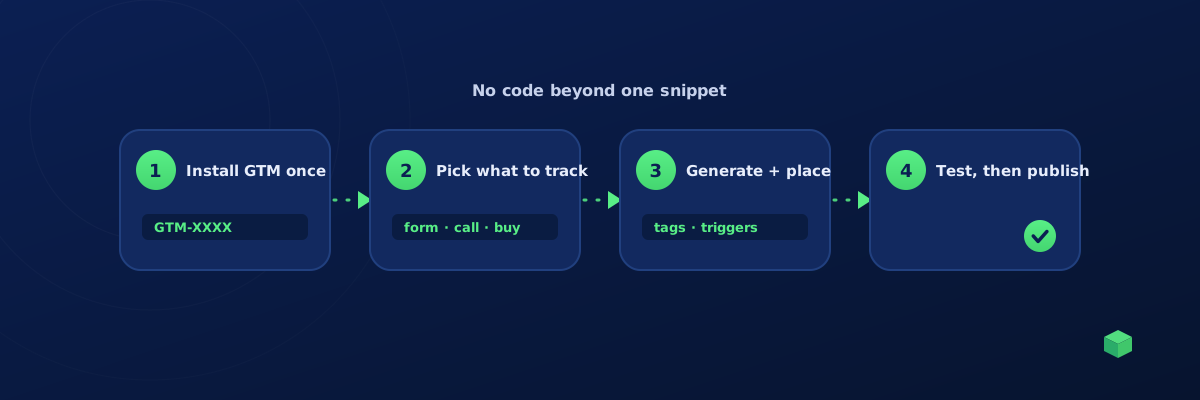
How to Set Up Conversion Tracking Without a Developer
A step-by-step route to working conversion tracking for GA4, Google Ads and Meta with no code and no developer: what to install, what to track, and how to test it before you publish.
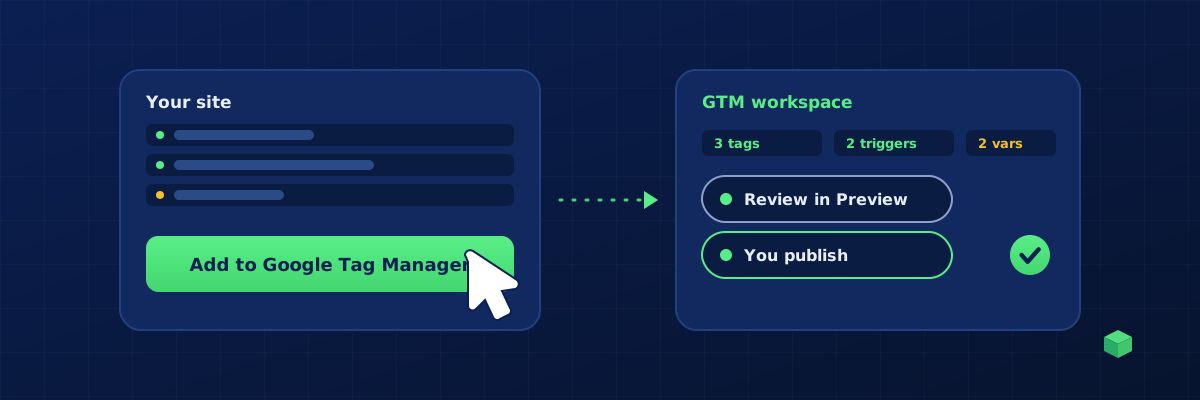
Can You Automate Google Tag Manager Setup?
Yes. What can be automated (tags, triggers, variables, whole containers), what cannot (publishing and judgement), and the three ways to do it: templates, the GTM API, and scanning generators.
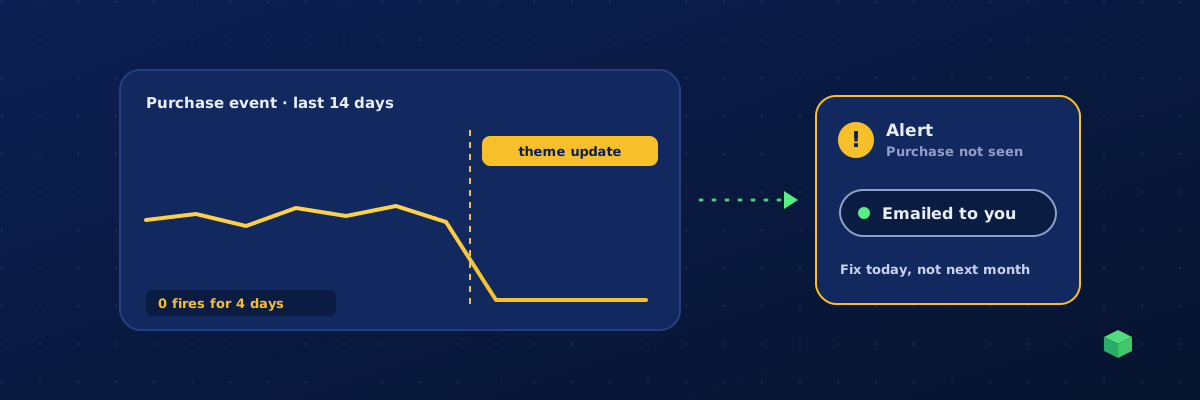
How Do You Know If Your Website Tracking Is Broken?
The seven signs that GA4, Google Ads or Meta tracking has silently failed, a ten-minute check you can run today, the usual causes, and how to get alerted next time instead of finding out a month later.
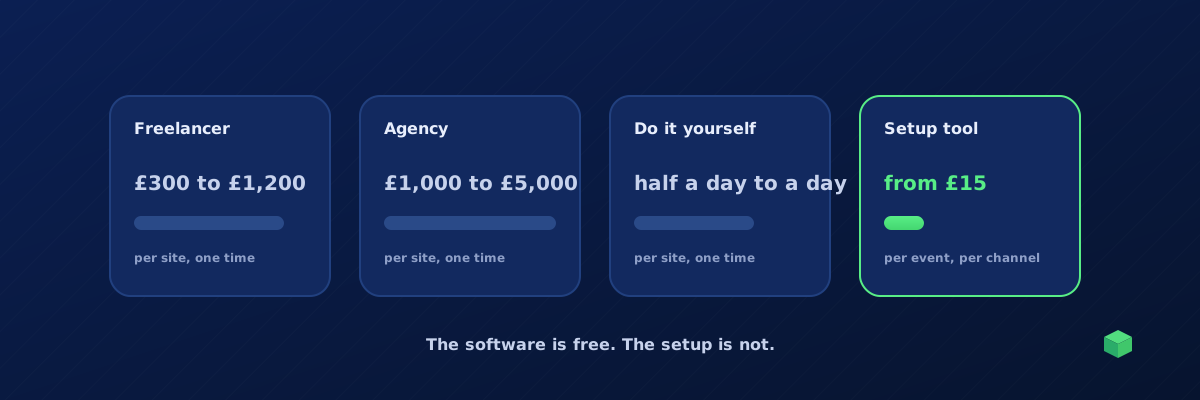
How Much Does It Cost to Set Up Conversion Tracking?
Typical prices for freelancers, agencies and consultants, the real cost of doing it yourself, what tools charge, and the hidden cost everyone forgets: what happens when it breaks.
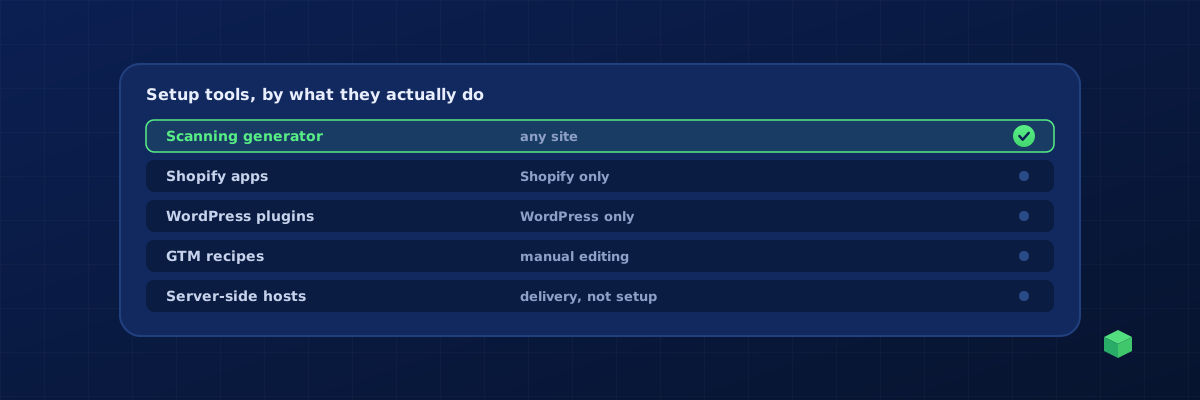
Best Tools to Set Up GA4 and Meta Pixel Events in 2026
An honest comparison of the tools people use to set up GA4 and Meta Pixel event tracking: platform apps, WordPress plugins, GTM recipes, server-side tools and scanning generators, with who each one is for.
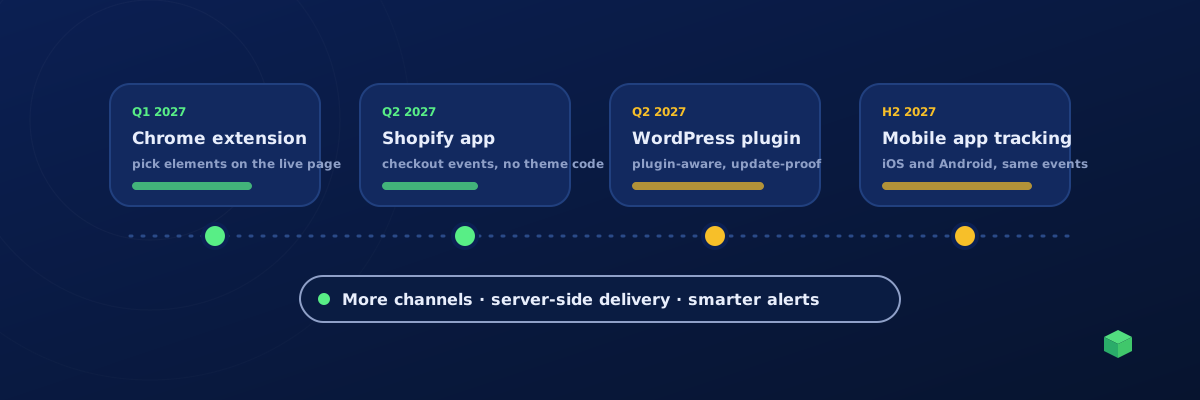
TrackingCoder 2027 Roadmap: What's Coming for Even Better Tracking
A Chrome extension, a Shopify app, a WordPress plugin and mobile app tracking are the headline plans for 2027, alongside more channels, server-side delivery and smarter monitoring. Here is what each one does, roughly when, and what is already live today.
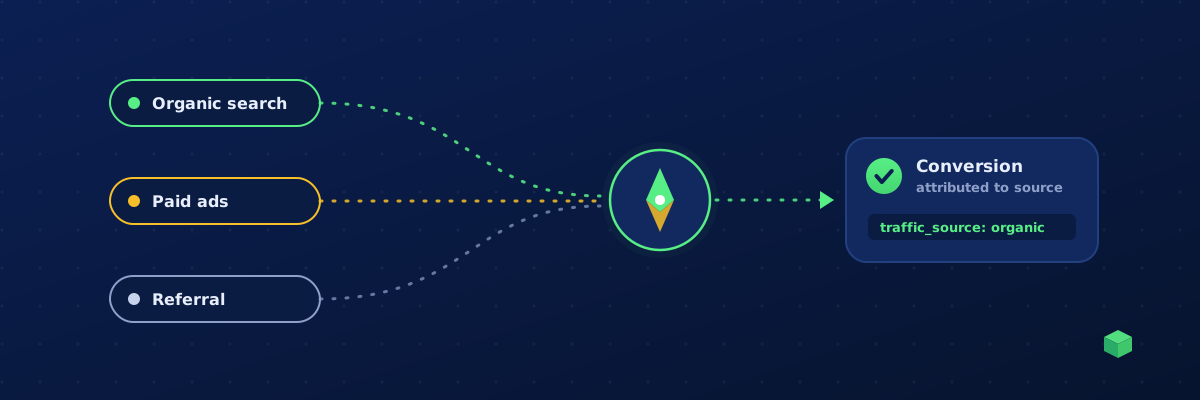
How to Track the Traffic Source of an Event (and Prove Your SEO Works) - 2026 Guide
Tie every conversion to the channel that earned it - organic search, ads, referral or direct. Learn session first-touch attribution and how to see which SEO pages actually drive events.
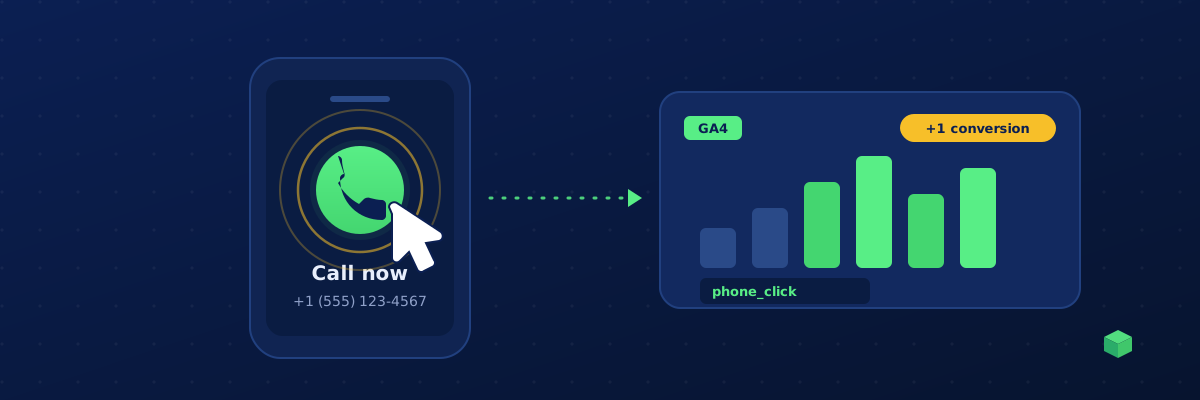
How to Track Phone Number Clicks in GA4 (Click-to-Call Tracking)
Click-to-call is the highest-intent action on most service sites - and GA4 doesn't track it out of the box. Here's how to track tel: link clicks and count them as Google Ads and Meta conversions.
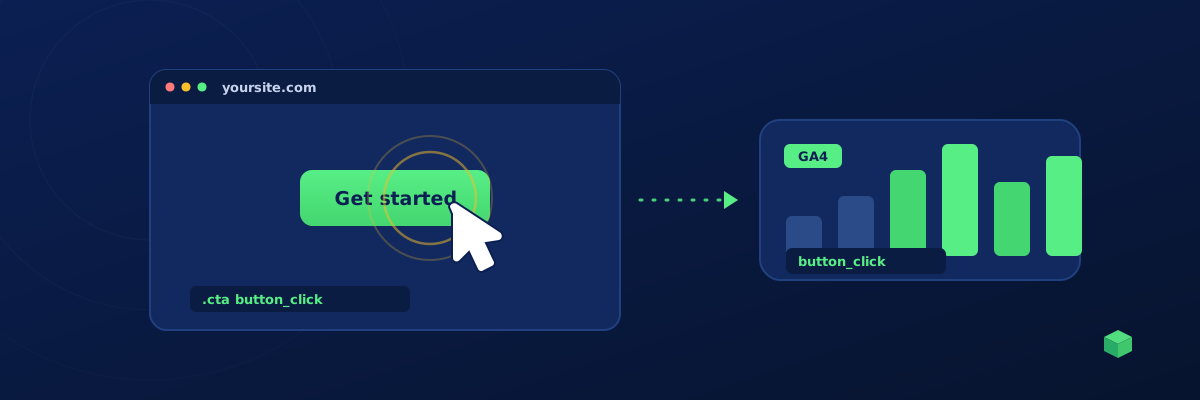
How to Track Button Clicks in GA4 (The Right Way) - 2026 Guide
Stop relying on Enhanced Measurement guesses. Learn how to track exactly which buttons your visitors click, with proper labels and event parameters.
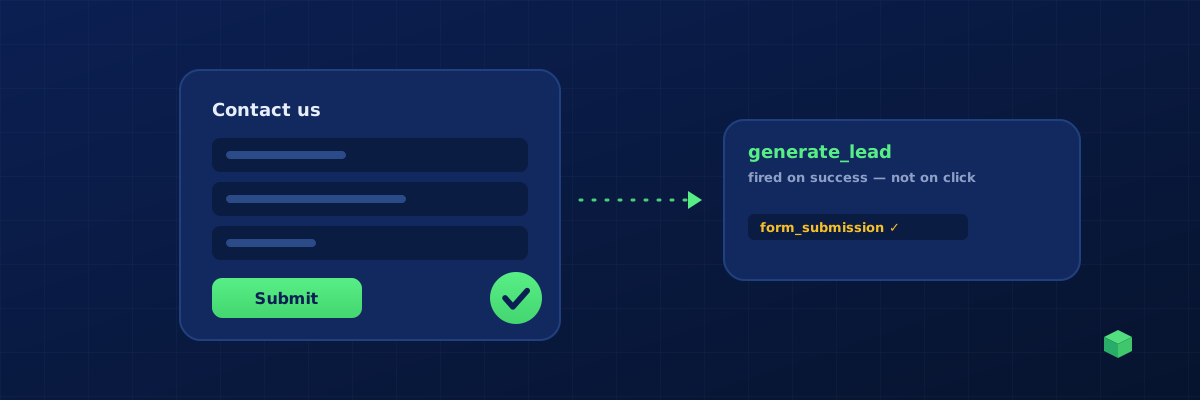
How to Track Form Submissions in GA4 - 2026 Guide for Every Form Plugin
Form submissions are the most-tracked event after pageviews. Here's how to do it properly for Contact Form 7, Gravity Forms, HubSpot, native HTML and more.
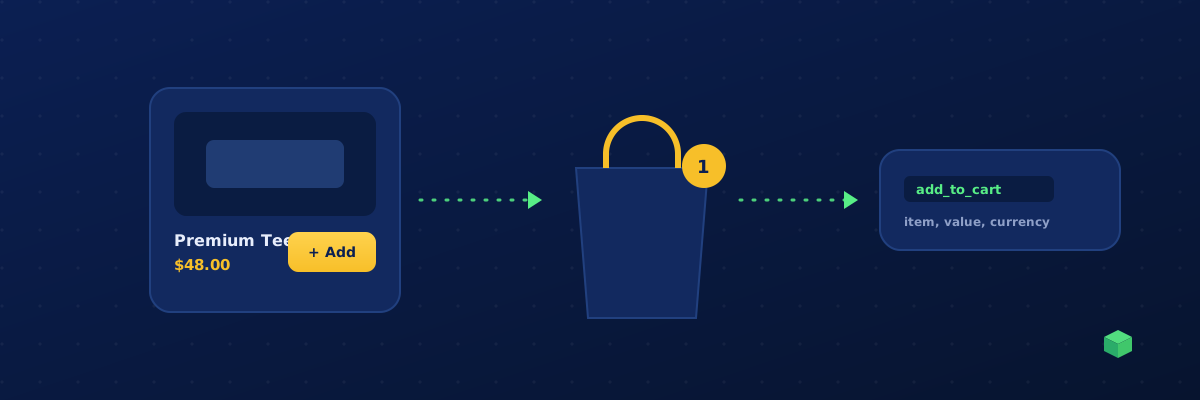
How to Track Add to Cart Events in GA4 - 2026 Ecommerce Guide
Add to cart is the most important pre-purchase signal in ecommerce. Here's how to track it correctly across Shopify, WooCommerce, BigCommerce and custom carts.
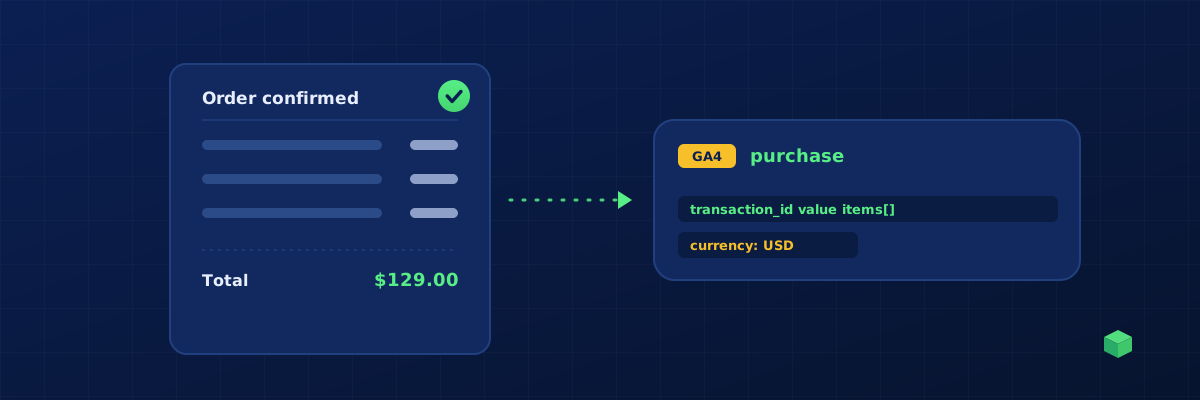
How to Track Purchase Events in GA4 - 2026 Ecommerce Conversion Guide
The single most important ecommerce event. Learn how to track purchases correctly so your revenue numbers in GA4, Meta and Google Ads actually match your store backend.
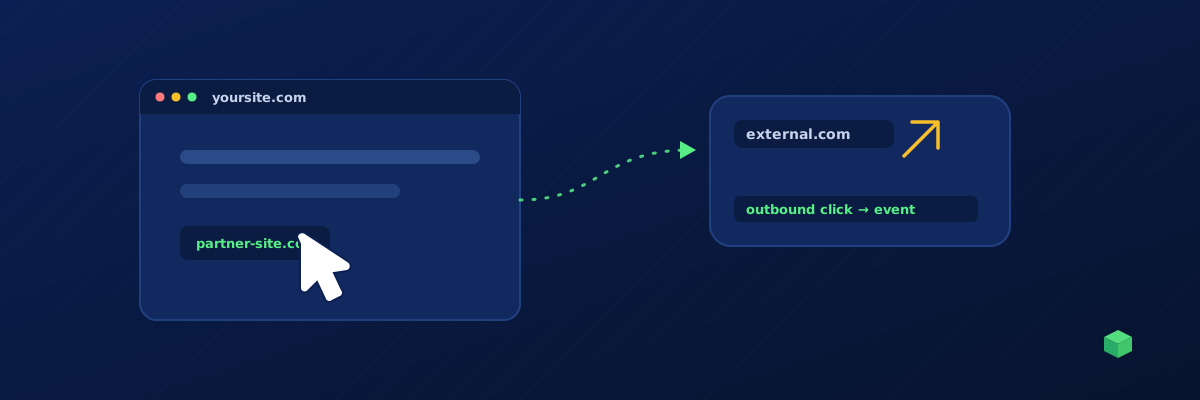
How to Track Outbound Link Clicks in GA4 - 2026 Guide
GA4's Enhanced Measurement gives you partial outbound click data. Here's how to get the full picture: which links, on which pages, with proper labels.
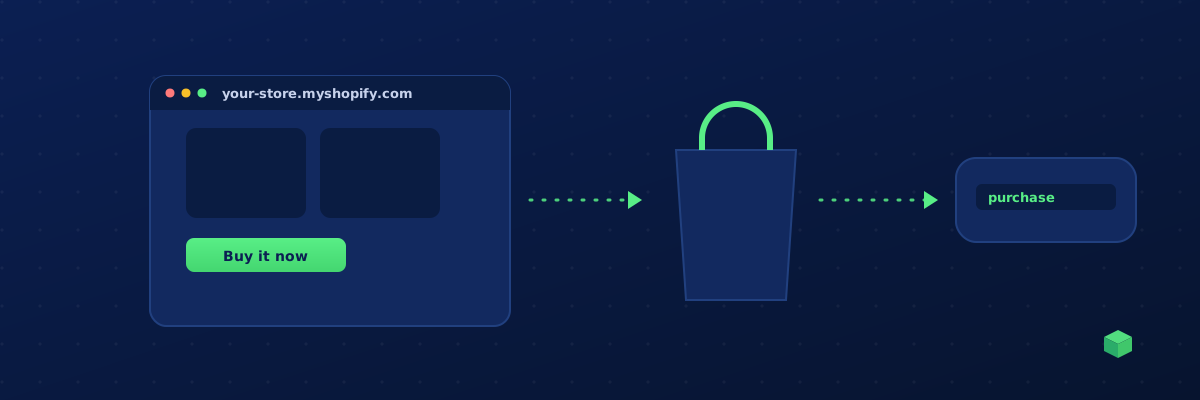
Shopify Tracking Guide: Set Up GA4, Meta Pixel & Google Ads in 2026
Complete walkthrough for installing Google Tag Manager, GA4, Meta Pixel and Google Ads conversions on a Shopify store - without breaking your theme or relying on apps.
Wix Tracking Guide: Install GTM, GA4 and Conversion Pixels in 2026
How to add Google Tag Manager and conversion tracking to a Wix site - including which Wix plans support custom code, and what to do if yours doesn't.
Squarespace Tracking Guide: GA4, GTM and Conversion Pixels in 2026
Complete walkthrough for installing tracking on a Squarespace site - including the limitations and quirks you need to know about.
Webflow Tracking Guide: Install GTM, GA4 and Meta Pixel in 2026
Step-by-step guide to setting up tracking on a Webflow site - covering Project Settings, Custom Code, and the gotchas with the Starter plan.
BigCommerce Tracking Guide: GA4, GTM and Conversions in 2026
How to install Google Tag Manager and conversion tracking on a BigCommerce store using the Script Manager, with no theme editing required.
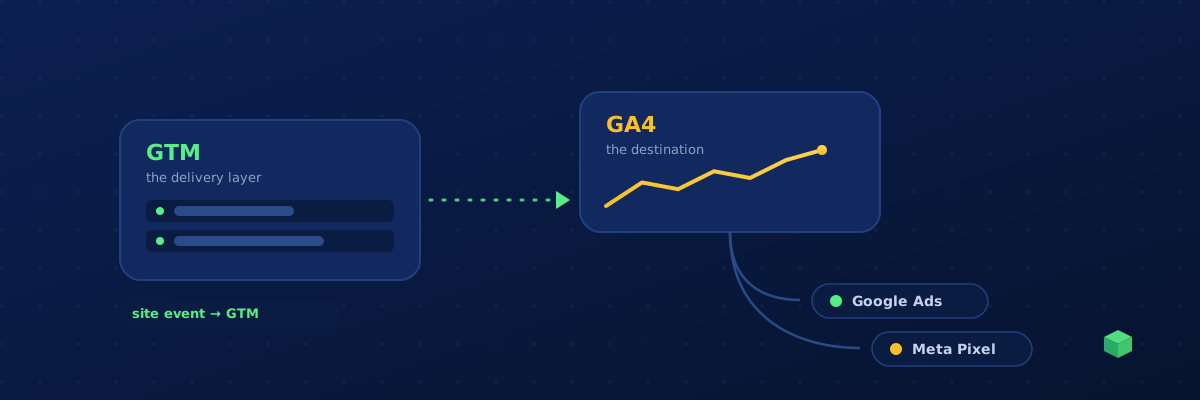
GA4 vs Google Tag Manager: What's the Difference and Do You Need Both?
GA4 and Google Tag Manager get confused constantly - but they do completely different jobs. Here's the plain-English difference, when you need each, and how they work together.
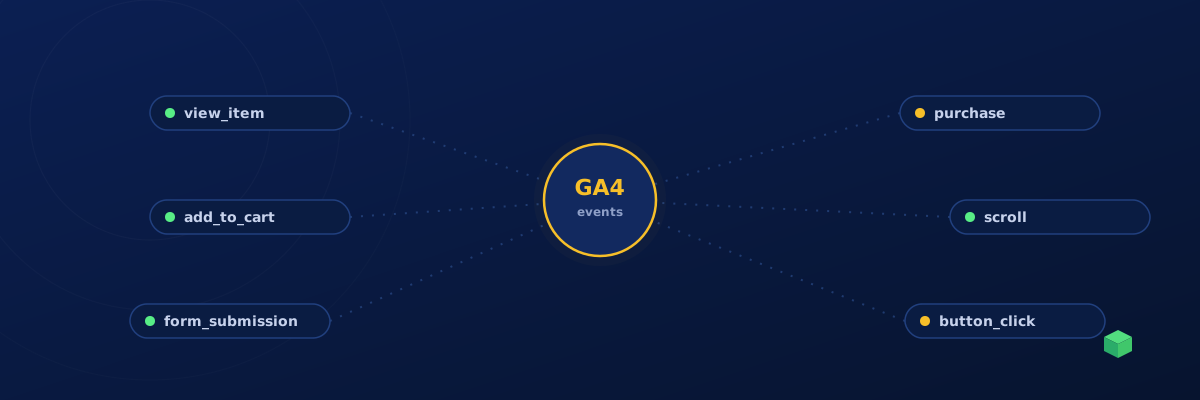
GA4 Custom Event Tracking: The Complete Guide for 2026
Learn how to set up custom events in Google Analytics 4 - from basic button clicks to advanced e-commerce tracking.

How to Set Up Meta (Facebook) Conversion Tracking in 2026
A practical guide to tracking form submissions, purchases, and leads with the Meta Pixel - and why standard events matter for your ad performance.
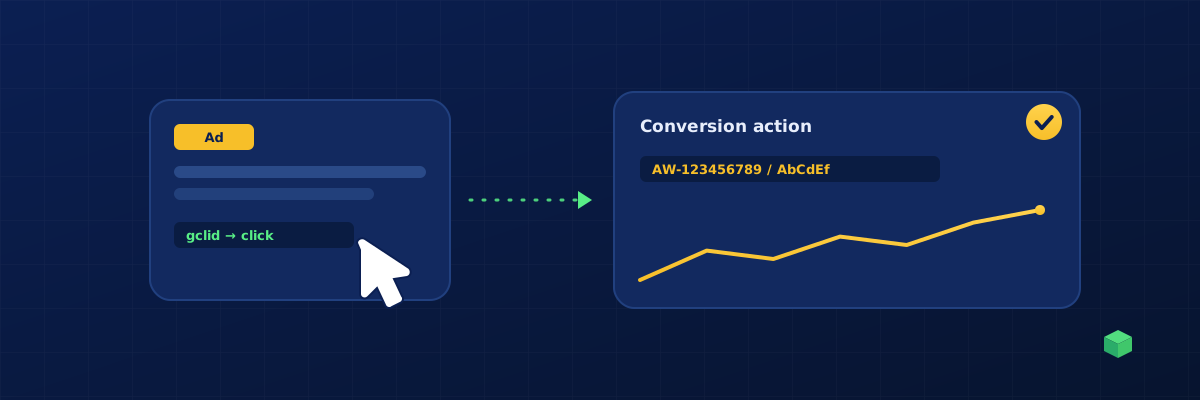
Google Ads Conversion Tracking: Setup Guide for Every CMS
Step-by-step instructions for tracking conversions in Google Ads across WordPress, Shopify, Wix, and more - including the new enhanced conversions.
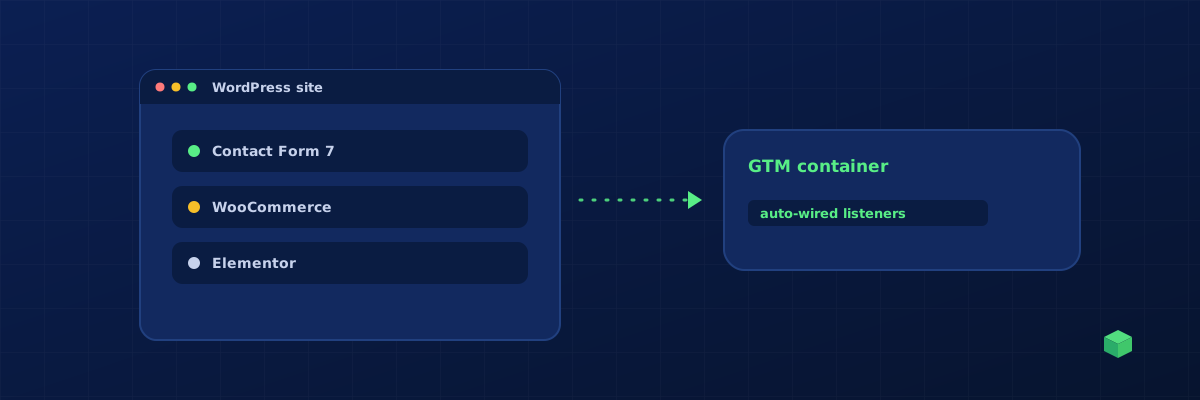
WordPress Tracking Setup: Form Submissions, Clicks & E-commerce
The definitive guide to tracking user actions on WordPress sites - covering Contact Form 7, WPForms, Gravity Forms, WooCommerce, Elementor, and Divi.
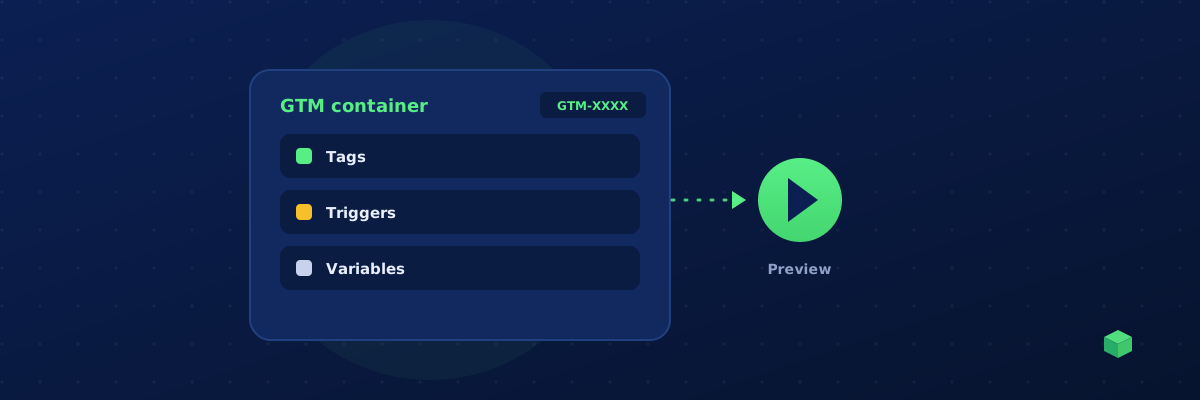
Google Tag Manager for Beginners: Everything You Need to Know
A no-jargon introduction to Google Tag Manager - what it is, why you need it, and how to set it up on any website in under 10 minutes.
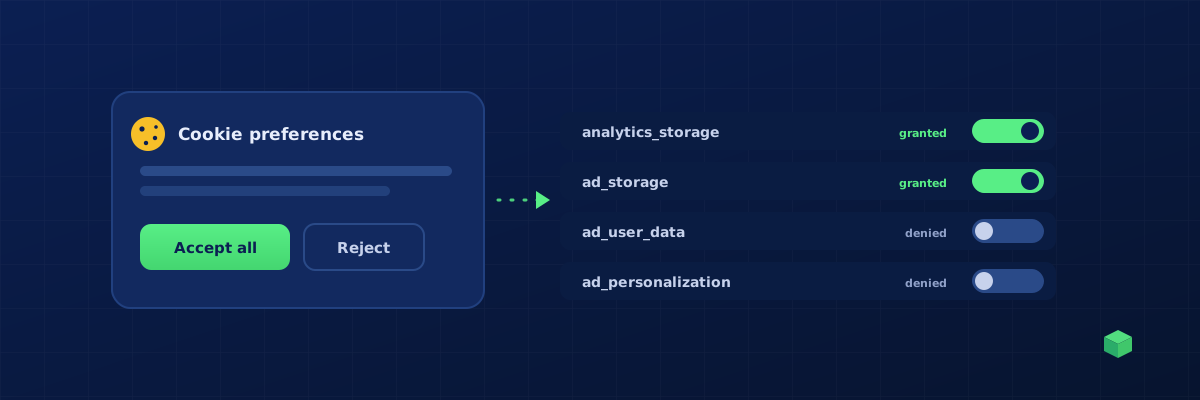
Google Consent Mode v2 Explained: What Marketers Need to Know
What Consent Mode v2 actually does, which of your tags respect it automatically, and the one configuration mistake that breaks tracking for half your visitors.
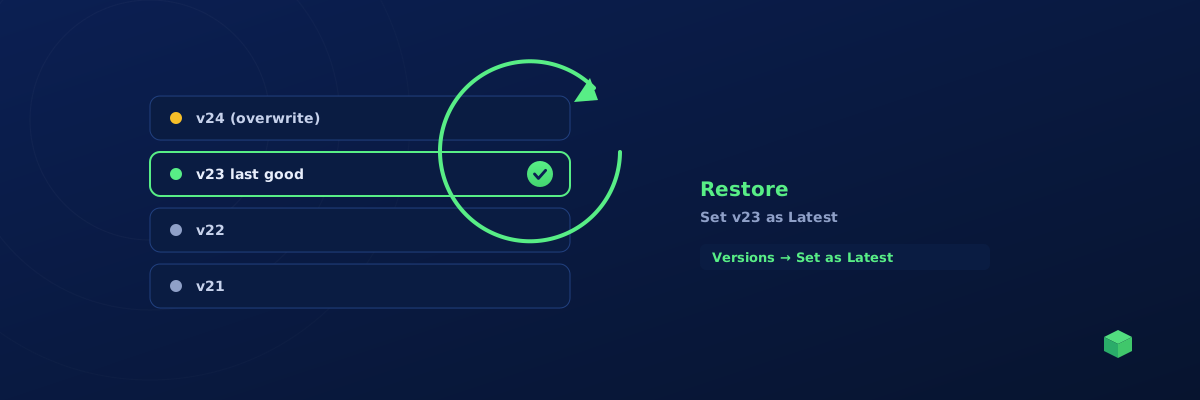
Help! I Clicked Overwrite Instead of Merge in GTM - How Do I Restore My Container?
Accidentally overwrote your GTM container during import? Don't panic. Here's how to restore the previous version using GTM's built-in version history.
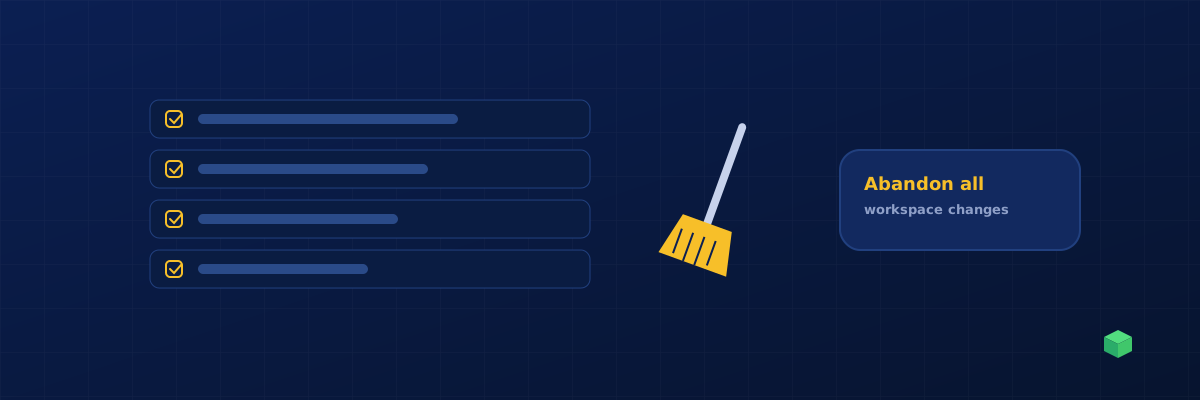
How to Bulk Delete GTM Container Changes Before Publishing
Workspace cluttered with experimental tags you don't want to publish? Here's how to clear out unwanted changes in bulk without losing your live container.
Troubleshooting Guides
Tracking not working? Find your event type and platform below.